


A5 Tri-Fold Traveler-Style Notebook Cover Template SVG Laser File
*** THIS IS A DIGITAL DOWNLOAD PRODUCT ***
Have a laser cutter and want to cut this design directly from leather or make your own acrylic template? This option is an instant digital download of the laser-ready A5 Tri-Fold Traveler-Style Notebook Cover template. You’ll receive .SVG files including all available versions: Standard 3-cord and 2-cord configurations, with both rounded and square corners. The files can be modified to suit your own materials, equipment, or workflow. No physical template is included. This is a digital download only.
The A5 size is designed for notebooks measuring approximately 5.8" × 8.3" (148 × 210 mm), including standard A5 notebooks and other compatible A5-size inserts and refills.
This Tri-Fold design is inspired by the distinctive multi-panel journal style popularized by Louise Carmen, giving you a way to create a similar wraparound, layered notebook format while using readily available A5 inserts. It’s a more unique alternative to the traditional Traveler-style cover and a great starting point for customizing your own tri-fold journal.
Note: This product is NOT made to be printed out on a standard piece of paper.
Template Usage
Templates allow you to have a consistent, professional look to all of your work. Use your end product as practice, a gift for friends and family, or even to sell under your own brand!
Design Options In Your SVG File
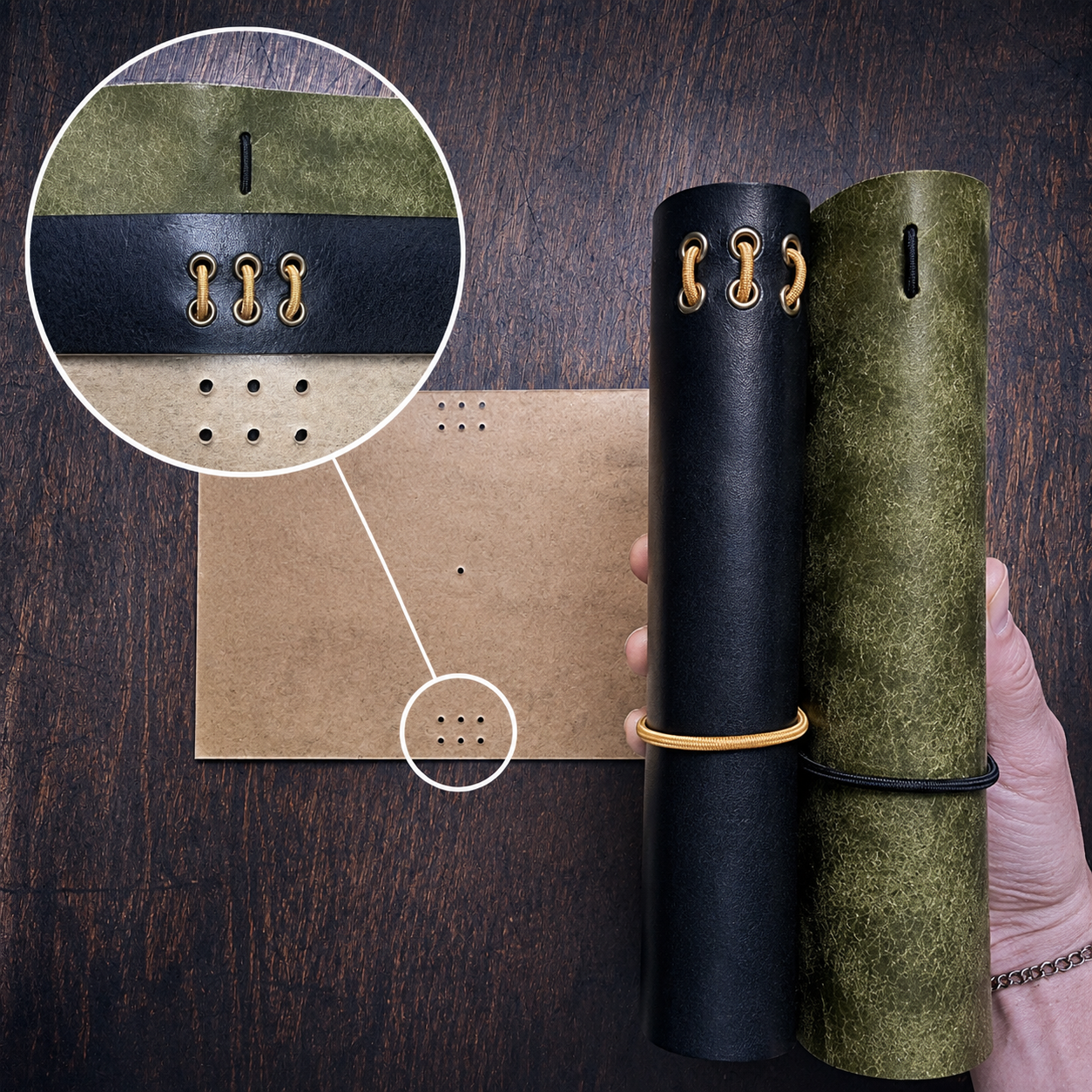
Standard Hole Pattern
Our standard hole pattern gives you the most flexibility. Use the center line for a simple single-cord closure, or use all three lines for a 3-cord configuration.
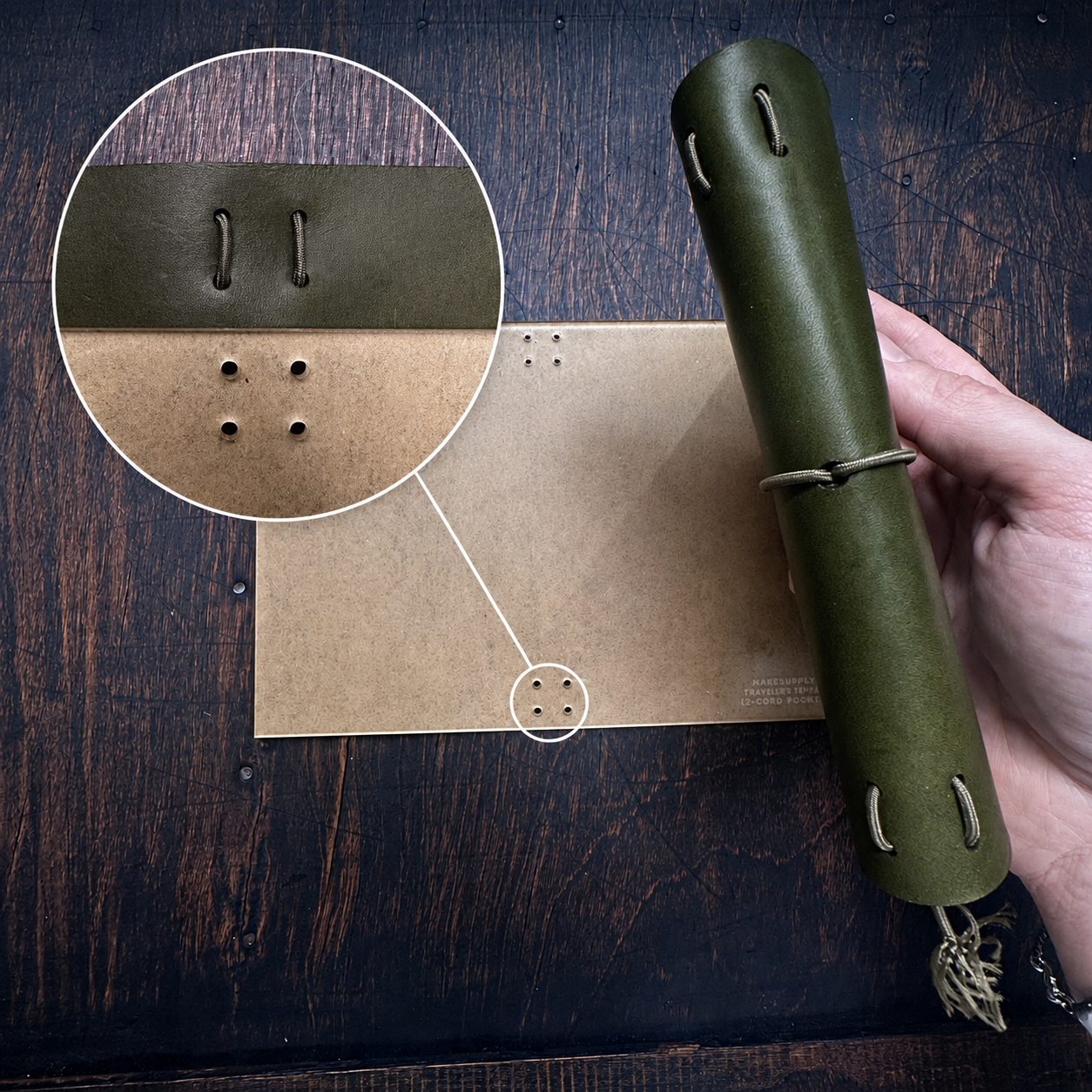
2-Cord Hole Pattern
Prefer a 2-cord configuration? This version uses a dedicated hole pattern designed specifically for a 2-cord setup.
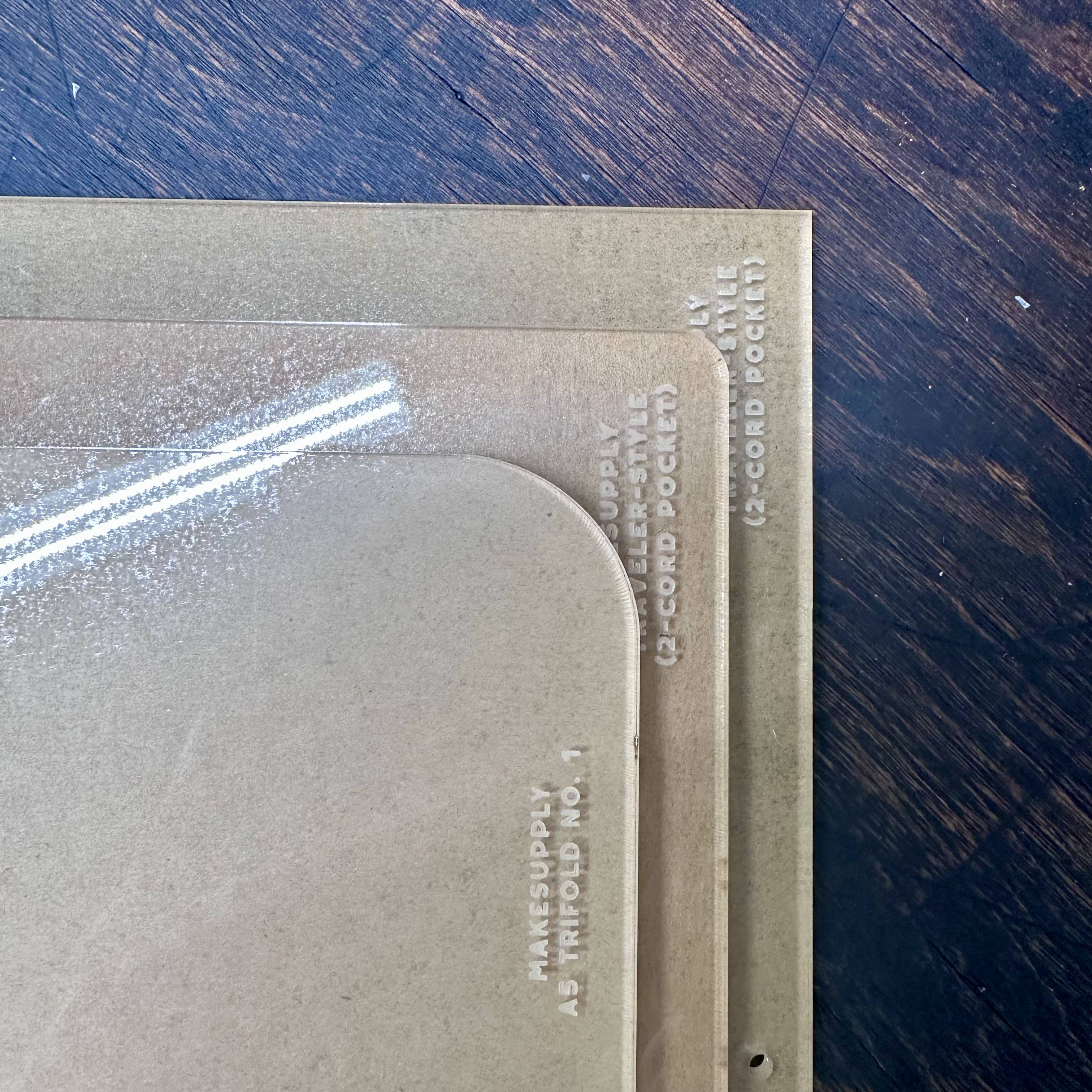
Rounded or Square Corners
Choose between rounded or square corners to customize the look of your cover. Don't like the corner radius we chose? You can edit your SVG to your liking!

Laser-Ready Files Quick Start
New to laser-ready files? Check out our Laser-Ready Files Quick Start video for a quick walkthrough of downloading, importing, and getting your file ready to cut. The video references multiple file formats, but we currently provides these designs as SVG files only.
Be sure to check your laser software’s documentation for SVG compatibility and import settings before getting started.